Calendar
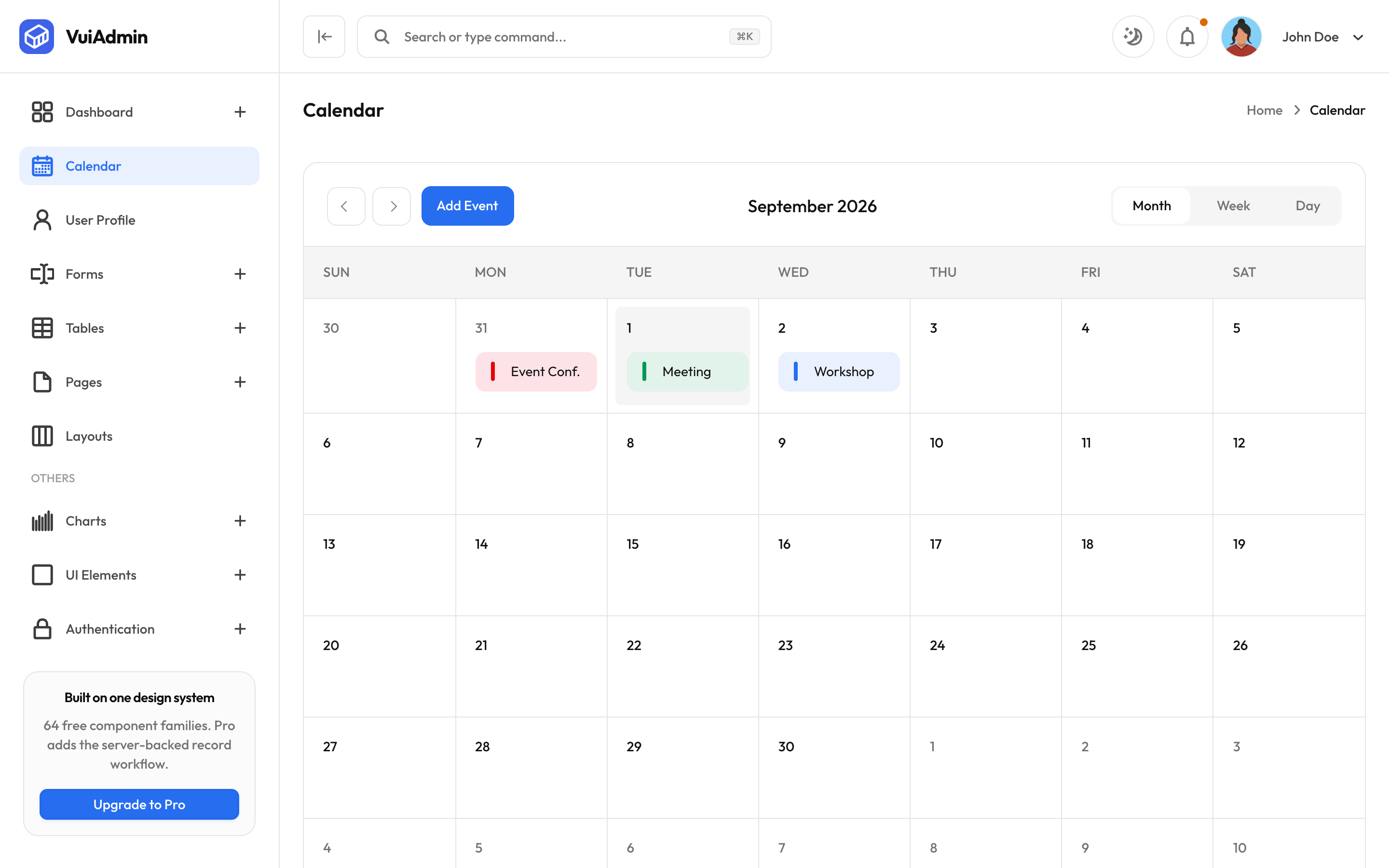
The FullCalendar-based calendar screen in the VuiAdmin admin dashboard template, themed with design tokens.
FullCalendar, wearing this design system's tokens rather than its own stylesheet.
What works
Month, week and day views. Click a day to add an event, click an event to edit it, and delete from the edit dialog. Events carry a level (primary, success, danger, warning) which sets the colour, and the levels are the same tokens the badges use.
The theming
FullCalendar styles its own markup, so the rules live in the design system as fullcalendar.css
rather than in each application. That file is imported by every edition, which is why the calendar
looks the same in Vue as it does in Blade.
If you restyle the calendar, do it there rather than per app, or the six editions start to diverge on the one screen where the difference is most visible.
Dates are read on mount
The seed events are dated relative to today, and today is read when the component initialises rather than at module load. In the Next.js edition this matters more than it sounds: a value computed while rendering on the server is a value baked into the export, so a demo opened a day later would show yesterday's dates.